VoceText
Audio and video transcription
VoceText turns interviews, meetings, lectures, and other recordings into timestamped text. It prepares the audio in your browser before upload. You can review the transcript and export text or subtitles.
Who it is for
People who already have a recording and need the words: podcasters and video creators making show notes and subtitles, researchers and journalists transcribing interviews, students working from lectures, and teams keeping a written record of calls.
How it works
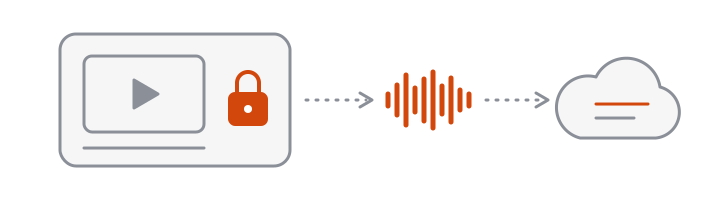
Your browser extracts and compresses the audio, so only sound is uploaded, even from a large video. Long recordings are split into segments, transcribed in parallel by a Whisper speech recognition model, and merged into one transcript with timestamps. Silent passages are removed first so the model does not invent text.
How we treat your files
Audio is deleted automatically after 7 days. Transcripts made without an account are deleted after 24 hours, free-account transcripts after 30 days, and Pro transcripts when you delete them. We do not sell your data or use your recordings to train AI models.
What it does not do
VoceText transcribes files you upload. It does not join live meetings, type as you speak, translate, or fetch audio from a link. Keeping the product to one job is how we keep it simple and affordable.